
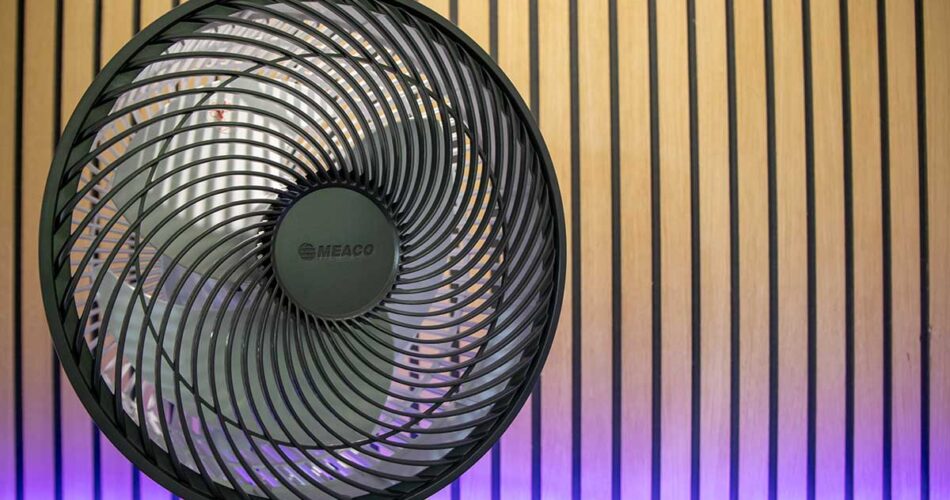
Summer is here, so it’s time to dust off your old fan or perhaps purchase a new one. This is the Sefte Pro, from Meaco.
Exactly two years ago, Meaco sent over their brand new, at the time, Sefte 10 fan for me to have a look at. I loved it back then, I still love it now, and it comes out of the box, about this time every year. Two years have passed, and Meaco have released the Sefte Pro, an upgrade to the original Sefte 10.
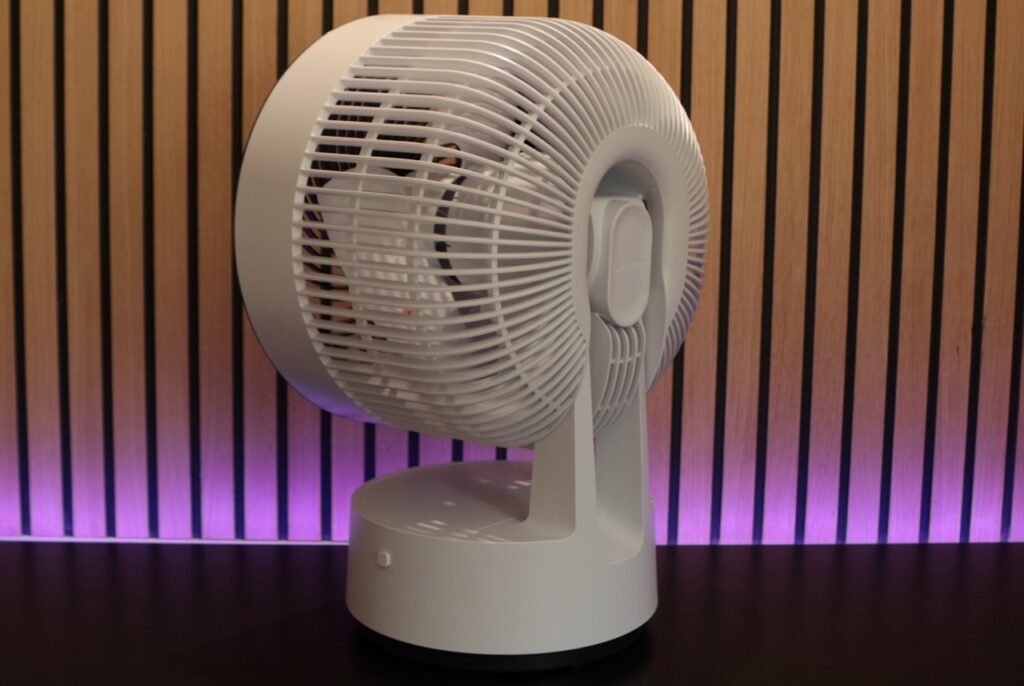
Out of the box, identical to the 10, same sleek look, neat, tidy, with a modern appearance. The build quality is as good as always; it’s well-engineered and offers a premium feel. It’s quite a sizeable fan and will take up a fair amount of real estate around your home, depending on where you position it. This is the tabletop version, but Meaco also do a pedestal version, which is obviously higher and can be put on the floor in the corner of your room. It has a sturdy base with rubber feet, meaning it stays in position on your table, and then from there, the base remains still but the fan then rotates or tilts depending on which mode you’re in. There is a display on the front and some buttons to control it, plus a remote control is provided for ease of use, too. The display shows the temperature of the space around the fan.
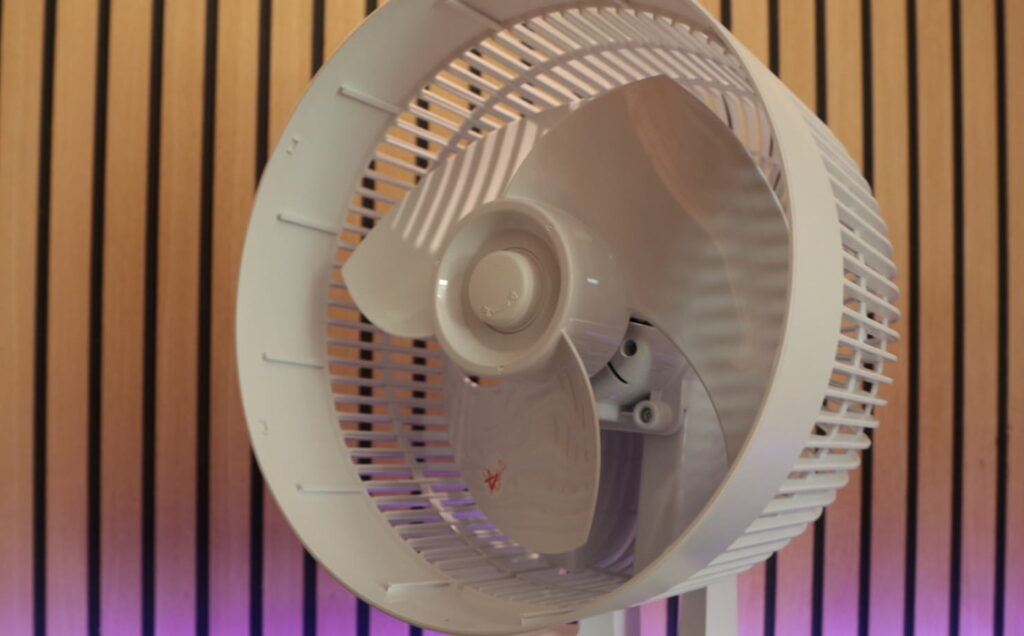
In terms of features, it’s a fan, it sucks air in from the rear and pushes it out the front, simulating a cooling effect for you. Internally, it’s got these boat propeller-like blades, able to deliver 19m cube of air per minute, from its brushless motor. As for rotation, horizontally you’ve got 30, 75 and 120 degree movement, while vertically it’s 20, 30 and 65 degrees. Price is set at £119 for this model, £20 more than the Sefte 10.
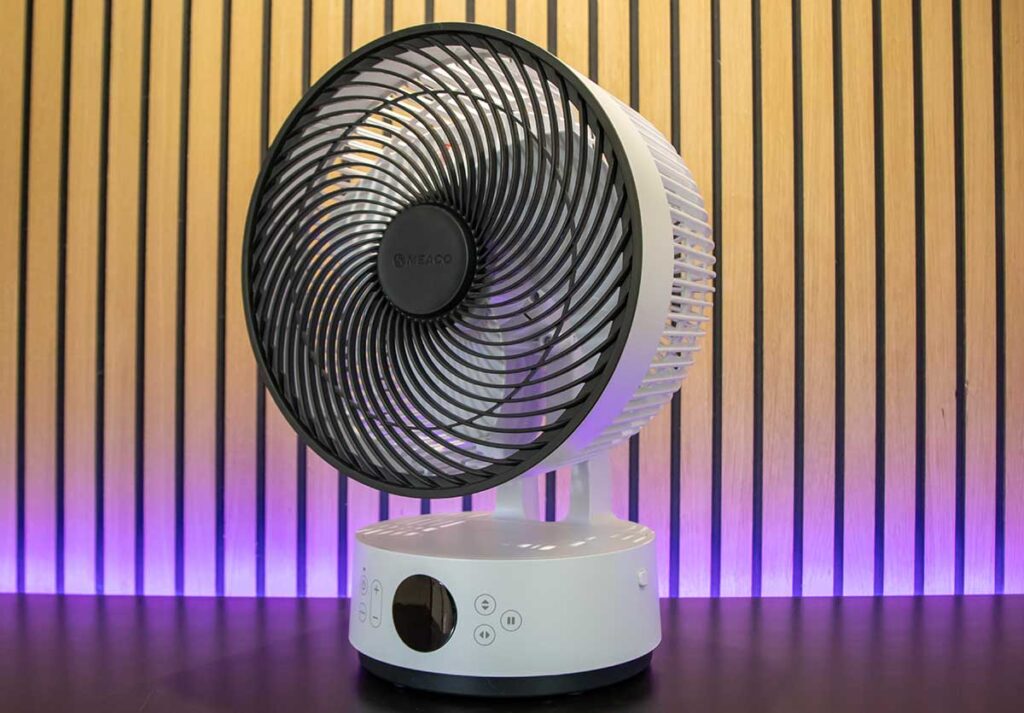
There are three modes available: normal, night and eco. Normal mode, where you can select a fan speed between 1 and 12, 12 being as fast as it can go. Night mode, the fan can be used as normal but the display will turn off unless in use and the sounds will stop too, no beeping. The fan will also reduce its speed by 1 every half an hour until it gets to 1 and then retain that speed until turned off. This has been great at nighttime, where it gets cooler through the night and early morning, when you’re not as warm and don’t need the fan as much.
Eco mode, this means the fan speed will automatically adjust depending on the temperature of the room you’re in. Therefore, the warmer the space, the higher the fan speed, with an aim to keep you cool as the room gets hotter. The manual states that any temperature 19 or lower will be speed 1, and then as you go up in increments of 1 degree, the fan speed will follow. 20 degrees, fan speed 2, 21 degrees, fan speed 3 and so on up until 30 degrees or higher, which is fan speed 12.
You’ve then got some further options via the built-in controls or the remote. Increase or decrease fan speed. Vertical oscillation, so the fan tilts up and down. Three settings, narrow (20deg), medium (30deg) or wide (65deg), wide being nearly a full tilt so the fan is pointing to the ceiling. There is also horizontal oscillation, so the fan swivels left to right. Again, three settings, narrow, medium and wide, 30, 75 and 120 degrees in that order. You can have either just horizontal or vertical oscillation, or a combination of the two.
Moving over to the remote, that does all the stuff I’ve just been through, plus a couple of other bits. A timer to either turn the fan on, or off. Now there is no built-in clock as such, so it works on hours, 1 to 12, so if the fan is off and you go out for a bit, you can set a timer to tell the fan to turn on in say 3 hours time, so when you come back, it’s already on. You can also do the opposite of this, so at night, you can use this feature to turn the fan off. Turn it on, set it up how you want and then set the timer to say 4 hours and four hours later, it will turn off. So you don’t need to have the fan going all night if you didn’t want it to.
Two other buttons on the remote too, light, which just turns the display off if that is a nuisance during the night and also mute, so when a button is pressed, it won’t beep. Now, the remote is small and you could quite easily lose it but it is actually magnetic, and there is a cut-out circle at the centre of the fan, where the logo is, which is also magnetic, so you can store the remote on that section of the fan, which is very handy. For the unknown, you wouldn’t even know the remote was there.
Now, if you’ve had the Sefte 10 before, you’re probably thinking what’s changed, what’s new. A couple of things, and the key one being that the pro is now battery-powered. So, where the original 10 was mains only, the pro now includes a 9200mAh battery, meaning you can position this fan anywhere, inside or out, and not have to worry about needing a plug socket nearby. Meaco state the battery life is up to 40 hours, but that does depend on how you use it. Meaco include a handy little table in the instructions with rough timings. Fan speed 1, no oscillation, you may get up to 40 hours, if you make it move and that drops down to 11 hours. Fan speed 6 with no oscillation, about 20 hours, or worst-case scenario, fan speed 12 with full oscillation, you’ll get about 5 hours. For me, speed one, 30-degree oscillation, lasted all night, no problem at all. I typically kept this on low setting as it’s not super hot right now but I did leave the fan on at speed 12, full oscillation and left the room. It lasted 5 hours, so I imagine the table provided is fairly accurate.
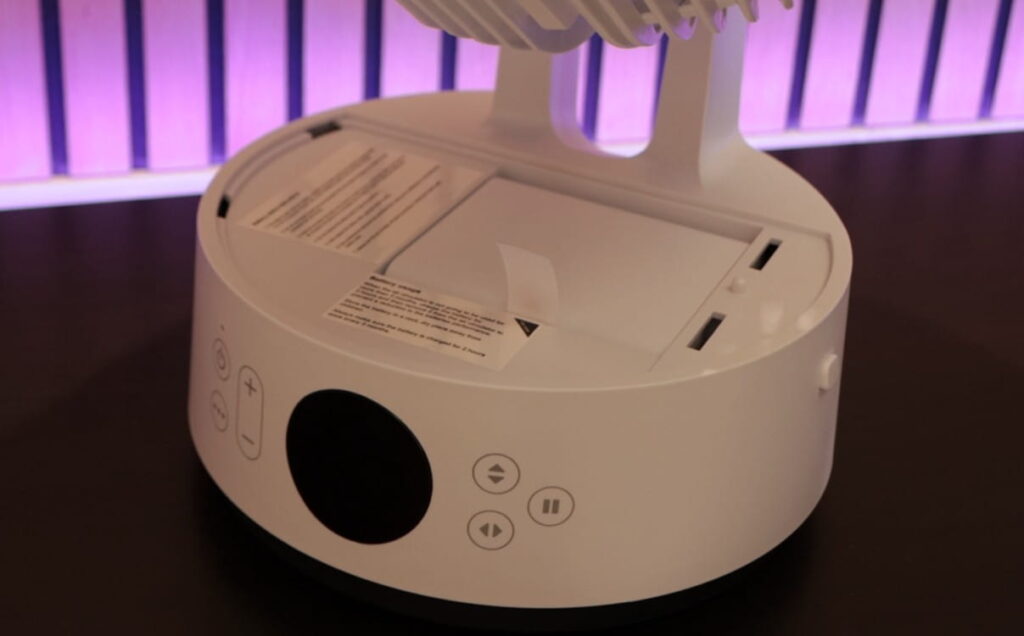
It’s going to take around 3 and a half hours to charge the battery to 100% from zero. The battery is removable, so if, for whatever reason, the battery failed, but the fan itself was fine, you could get a replacement. That being said, Meaco do give a 3 year warranty with their fans as they are built so well, so I’d like to think the battery is good quality and will last.
The other addition is app and wifi support, so you can control the fan via your phone, from anywhere. To set this up, you need to turn the fan on and hold down the mode button for 5 seconds to get into pairing mode. A little wifi symbol will flash on the display, and then you head over to the app to pair. The app is free, you do need to sign up for an account with an email address. Once in, hit add new device, the app should find your fan and then run you through connecting the fan to your home network. It was pretty straightforward and only took a couple of minutes.
From the app, you can change modes, adjust fan speeds, oscillation angles, turn timers on and off, turn the display off and the beeps too. You can also set up third-party control via Alexa or Google, keep the fan up to date with firmware updates pushed out and a few other bits too. As the fan is connected to your home network, you can control the phone from anywhere, from another network or via 4G/5G. The fan does not need to be plugged in to connect to it, but obviously, it does need to be charged. That being said, I did struggle to reconnect after a period of time, as if the fan had gone into a deep sleep and was no longer connected to the network. This only occurred when using the battery. I imagine this is to preserve battery; the display turns off, and the fan goes into what I assume is a sleep mode, which makes sense, but you then lose this functionality, which isn’t ideal. If you keep the fan plugged in via the mains, it’s always powered, always charging, if needed, and the display remains on, and I had no problems connecting to it at any time.
Other points worth mentioning: you can access the blades. You’ve probably had a fan before, and over time, dust gets collected, and your fan gets dirty. Well, you can take the front grille off and wipe the blades clean, which is nice to have.
Let’s talk about efficiency, as Meaco do market this as being very efficient, and it is. Maximum power consumption is 36 watts, but most of the time lower. So if we assume the worst, 36 watts, running for 24 hours, that’s 0.86kWh and that equates to about 24p in running costs, based upon a unit cost of 28p, which is my current tariff with Octopus. So say you had it on for 12hours each night, that could cost you less than 10p, if you have a reduced night rate, as I do. At 36 watts, this is more than the original Sefte 10.
In terms of noise, Meaco state the noise level starting point is 25dB and increases as you increase fan speed. Yes, you can hear it, but for me, it has never stopped me from sleeping or put me off in any way, and it is far, far quieter than a basic supermarket-like fan.
Overall, Meaco deliver again with another very good fan. The original Sefte 10 was, is a great fan, and they have improved it by making it battery powered and having app support. For me, the battery is a winner, and I could probably pass on the app support as I’ll only use the fan while I’m in the house and there is a remote, If im feeling lazy. The Pro retails at £120, the 10 at £100, so a £20 increase, which I think is fantastic for having that battery facility. If I were buying a fan from new, I’d 100% go with the pro. If I already had a 10, I probably wouldn’t bother upgrading and just live with plugging it in.
To purchase and to find out more, head over to the official Meaco webpage.
