
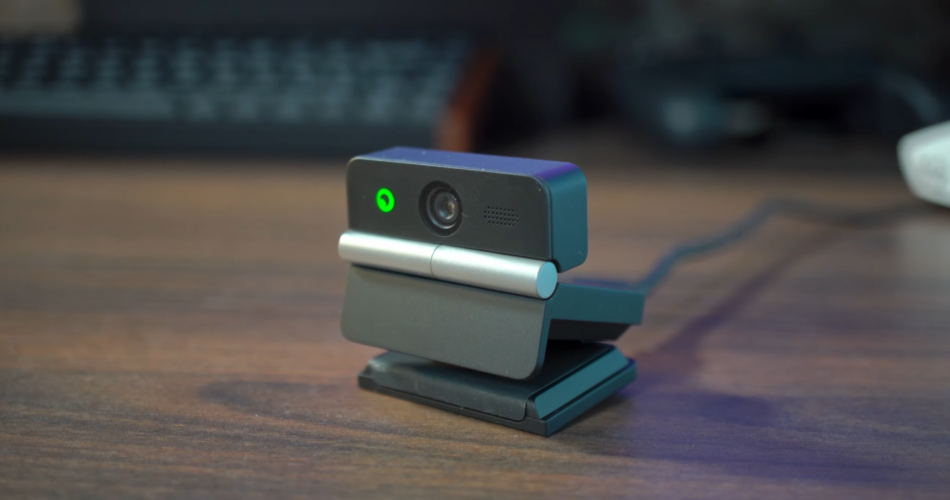
So I’ve got quite an exciting product to talk about today because OBSBot have just sent through their new Meet Flip webcam, which I must say, compared to the last Meet in the series that we looked at, is extremely small and looks really inconspicuous on top of my monitor. It’s capable of 4K imaging, can fold, autofocus, and has AI tracking, all at a fairly competitive price point in this market. The Flip also has functionality too, as it doubles up as power, and also a privacy feature. When flipped open, the camera will burst into life, and there’s a small status light on the front so you know it’s on and what it’s doing. And when you close it, the lens is covered and the webcam powers off. There’s no lens cap to lose like I’ve seen on things like the Elgato Facecam, though that was a while ago; now things might have changed there. It’s nice for peace of mind for sure, so you know you’re not accidentally still on a Teams call, or on show during times you shouldn’t be. It can’t rotate like the last Meet camera I saw with the magnetic sides so you’re stuck in a horizontal aspect ratio too which is a bit of a shame. There is a vertical setting inside of the OBSBOT software, but it keeps a 16:9 image within a 9:16 space.
The Meet Flip weighs just under 38 grams, which makes this thing really portable for those who need conferencing on the go, and a better quality webcam than those built into laptop screens. The stand also has a tripod mount, so it doesn’t necessarily need to sit on top of your screen, which is a nice touch, and one that I am a fan of because I’m a bit disappointed with the viewing angle at 72 degrees, but I wasn’t a massive fan either of the Tiny SE that I’ve just come from. Elgato still has that top spot for me, and I wish webcam brands just made ultrawide-angle lenses on their cams. But of course, price will begin to come into it. It’s got a dual mic setup which you can hear now.
For me, I use a webcam typically for my Steamdeck content, testing how good games play on the Deck, and some livestreaming from time to time. I’m not that reliant on a webcam for all of my content, but it’s nice to have to ensure my content stays looking as professional and high-quality as possible, and this Meet Flip really does deliver for me, bar that viewing angle. I don’t really need gimbal capability, and the AI tracking is nice but fairly limited, since this is a static webcam. It has a 4X zoom if you’re situated a bit further away from it. But for my Steamdeck videos, where I’m either in the bottom corners of the screen, it’s fine. I don’t even run this thing in 4K mode because I don’t need to, and I prefer the 60fps capabilities that the 1080p resolution offers. I use OBS for my content, and this Meet Flip had no issues connecting to the streaming software using a virtual webcam.
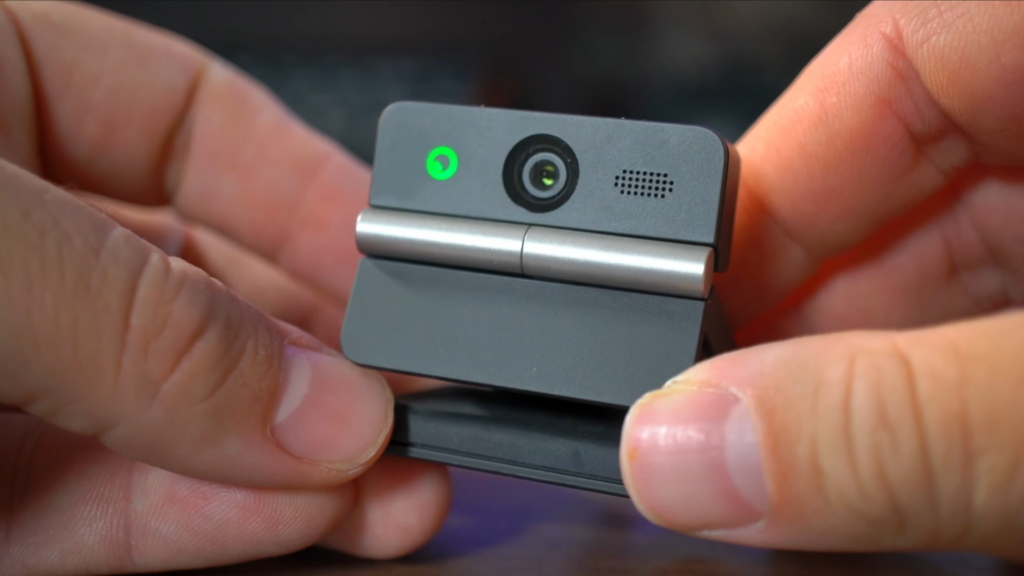
The Meet Flip is capable of 4K 30fps video, and the quality is decent, thanks to its 1/2 inch CMOS sensor. Low-light performance isn’t too bad either, depending on really how you’re lit as a subject, and noise is minimal, but of course still there in the darkest of areas. It’s probably safe to say that it’s controlled thanks to its F/1.8 aperture and the 6,400 peak ISO range level. But is it going to switch out my current Yololiv S3 webcam? Just take a look at this.
Comparing the two, it’s pretty obvious which camera produces the more natural image. The Yolocam can produce a shallower depth of field that the Meet Flip cannot match. However, the Flip is brighter and less reliant on external lighting. Both cameras were using autofocus modes and auto white balance too. The Yolocam in terms of colour, looks a bit more natural to the space I’m in, where as OBSBot’s colour tone felt a little warmer. Of course, this can be changed by using the manual white balance tool if needed which can be adjusted inside of the OBSBot software, so let’s take a look at that now. However, you’ve also got to consider too that the YoloLiv S3 is sitting pretty at around £210 online so it’s vastly more expensive than the OBSBOT Meet Flip. Out of the two, if you’re after a more budget-friendly webcam that can still produce a decent 4K image, then you’ve now got a direction to go in. Let’s talk about the software now.
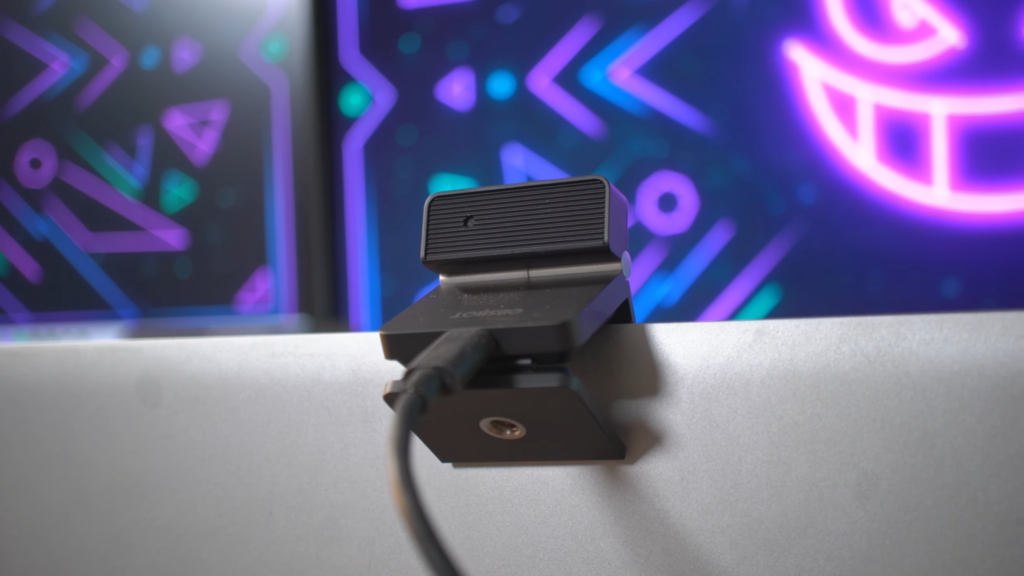
The OBSBot Meet Flip delivers a decent enough experience if you need something for work, or are starting to livestream or content creation. It’s simple to use thanks to the OBSBOT Centre, and its AI tools are somewhat helpful, but not all of them here on such a static camera. It’s for sure worth considering at this price point, and the Meet Flip punches well above its weight. I hjaven’t got a price at the time of making this video, but I’m assured by OBSBOT that it’s going to be budget-friendly, so all the relevant links will be in the description for you to check out.
